Tour and visit times in Google Forms, with a limit on each time
Set how many visitors each tour time can take. A full time closes on the form, and later visitors can join its waiting list.
 Install from Marketplace
Free for one form up to 25 responses. Then $12 once, with no subscription.
Open day tours
Which tour would you like to join? (multiple choice)
- 10:00 am12 places
- 11:00 amFull · 2 waiting
- 12:00 pm12 places
- 2:00 pm12 places
Who it is for
Visitors book on your ordinary Google Form, from the link on your website or in an email. They do not need an account with us.
Tour and visit times
- Schools and colleges running open days and campus tours.
- Farms, gardens, studios and small museums with guided visits.
- Nurseries and care homes booking visits by appointment.
Open day tours
Which tour would you like to join? (multiple choice)
- 10:00 am12 places
- 11:00 amFull · 2 waiting
- 12:00 pm12 places
- 2:00 pm12 places
The options and their limits
Four tour times, each taking twelve bookings. When the 11:00 am tour is full, it closes on the form and visitors pick another time.
In this example 11:00 am is full and two people are waiting for it.
48 places in total. That is more than the free plan covers. Setup tells you before you share the form, and unlocking costs $12, paid once.
How to set it up
Start from a copy of this form, or from a form you already have.
- 1Add the timesMake a multiple-choice question with one option per tour or visiting time, and a short-answer question for the visitor's name.
- 2Collect email addressesIn the form's Settings, under Responses, set Collect email addresses to Responder input, so visitors without a Google account can type theirs.
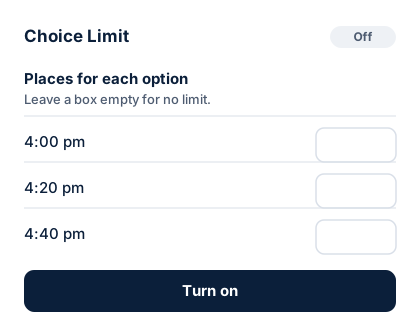
- 3Type how many each time can takeOpen Choice Limit from the add-ons button and type a number beside each time.
- 4Choose what happens when a time is fullHide it, or show it as full with a waiting list.
- 5Turn on and sharePress Turn on, then put the form link on your website or in your email.
Open day tours
You are on the waiting list for 11:00 am
Every place for 11:00 am is taken at the moment, so you are on the waiting list.
Option
11:00 am
On the waiting listWhat people see
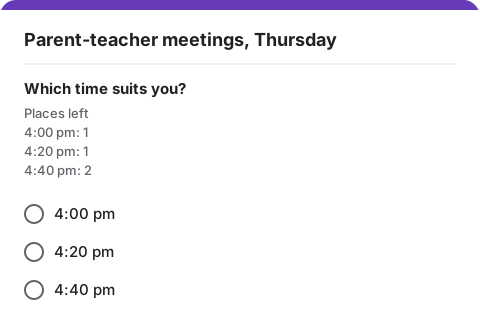
People fill in your ordinary Google Form. Under the question they see how many places are left for each option. A full option is hidden, or marked "full, join the waiting list".
- Anyone who joins a waiting list gets an email with their number in line.
- When a place opens up, the next person gets it and an email saying so.
- Emails come from your own Google account, so replies come to you.
Good to know
What Choice Limit does and does not do for this kind of form. Read the help page for more.
Families and groups
Each response takes one place, however many people come with it. Set each limit as the number of bookings you can take, not the number of people.
A visitor cancels
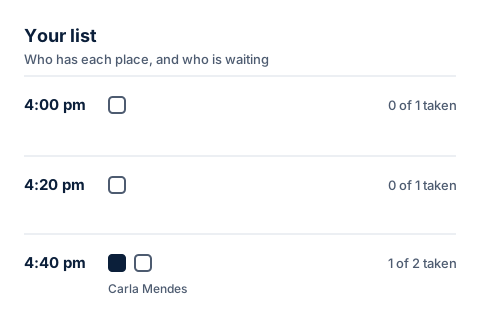
Press Free this place in Your list. The first visitor waiting for that time gets it and an email.
Reminders
Choice Limit emails people when they join a waiting list and when a place becomes theirs. It does not send reminders before the visit.
Two visitors at the same moment
If two people book the last place within the same few seconds, the second goes on the waiting list and gets an email.
Set limits on your tour and visit times form
Install Choice Limit from the Google Workspace Marketplace, then make a copy of this form. Free for one form up to 25 responses, then $12 once.